
Help centre / Scanning and reading

Scan a long receipt in several pages

Keep several photos together as one receipt.

These steps apply to iPhone. Permission prompts use your phone’s own wording.

Start at the top

Capture the supplier and date at the top of the receipt. Keep the paper flat and the text readable.

Add pages

Add another photo further down, with a little overlap so you can check nothing is missing. Keep adding pages until the final total is included.

Check the combined receipt

The pages belong to one receipt. Compare the items and totals across the page images before saving.
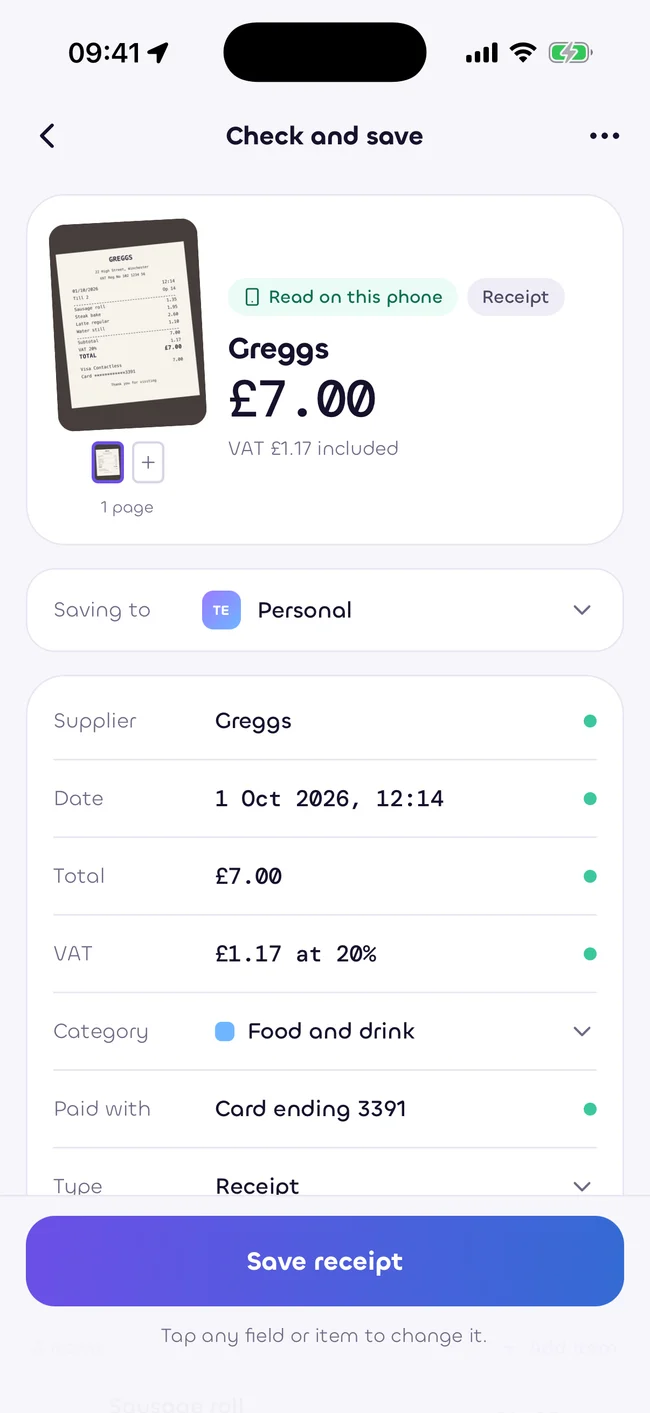
Check the combined receipt in the Sukiri app
Illustrative product screen. VAT figures are estimates.

Estimates only, as at 5 October 2026. Not tax, legal or financial advice. Rules change. Check with your accountant.

Was this helpful?

This site uses no analytics or advertising. The contact form loads hCaptcha only when you choose to use its spam check. We will ask again before adding optional analytics.

Read the cookie policy