
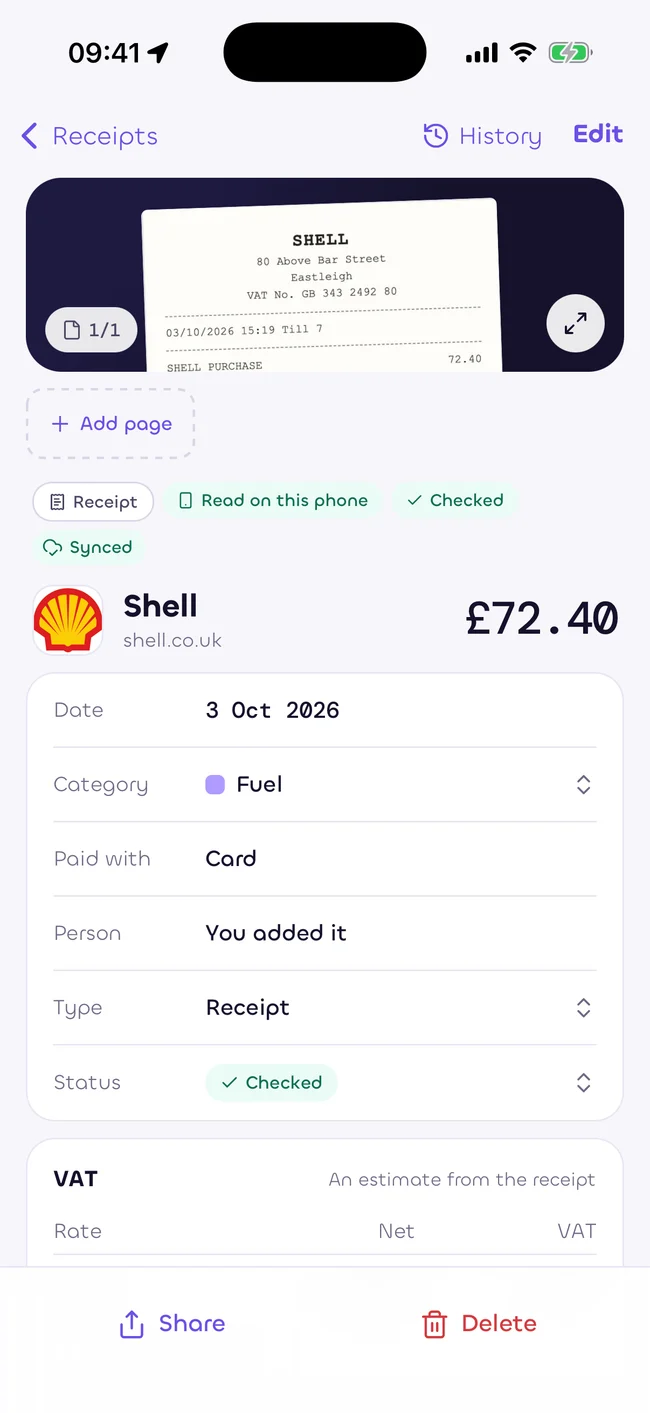
Snap it.
Lay the receipt in good light. Capture the whole page, or add more pages for a long receipt.
Snap a receipt. Sukiri reads it on your phone.
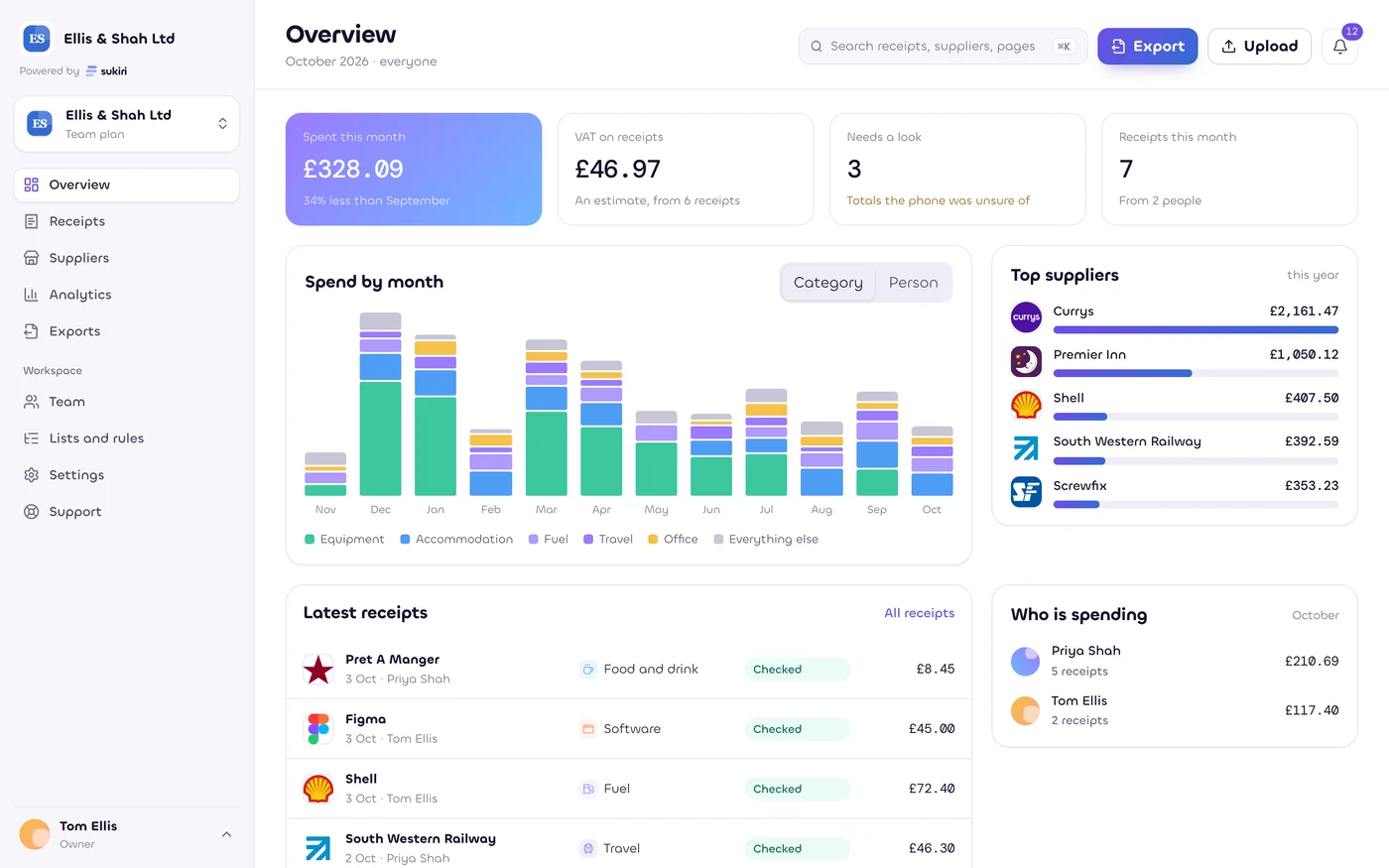
Everything in order, for you, your team and your accountant.


No account needed on the phone. Store listings coming soon.
Estimates only, as at 5 October 2026. Not tax, legal or financial advice. Rules change. Check with your accountant.
Lay the receipt in good light. Capture the whole page, or add more pages for a long receipt.
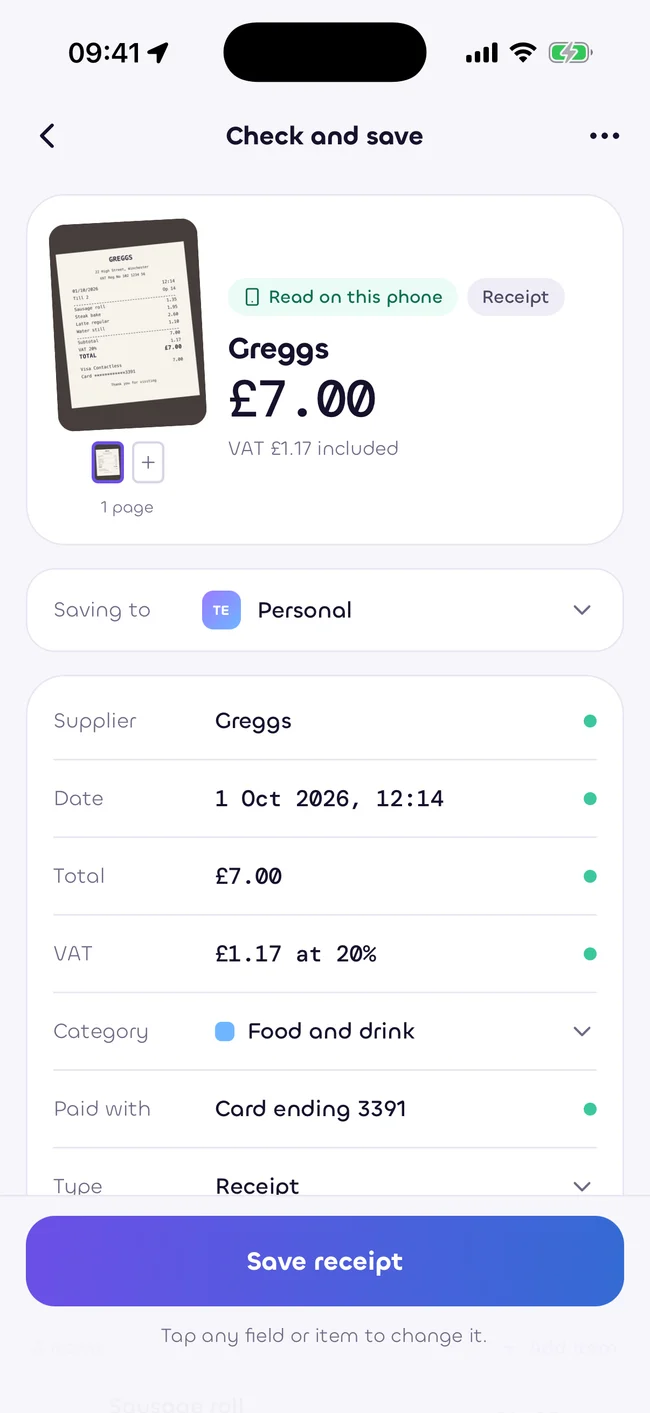
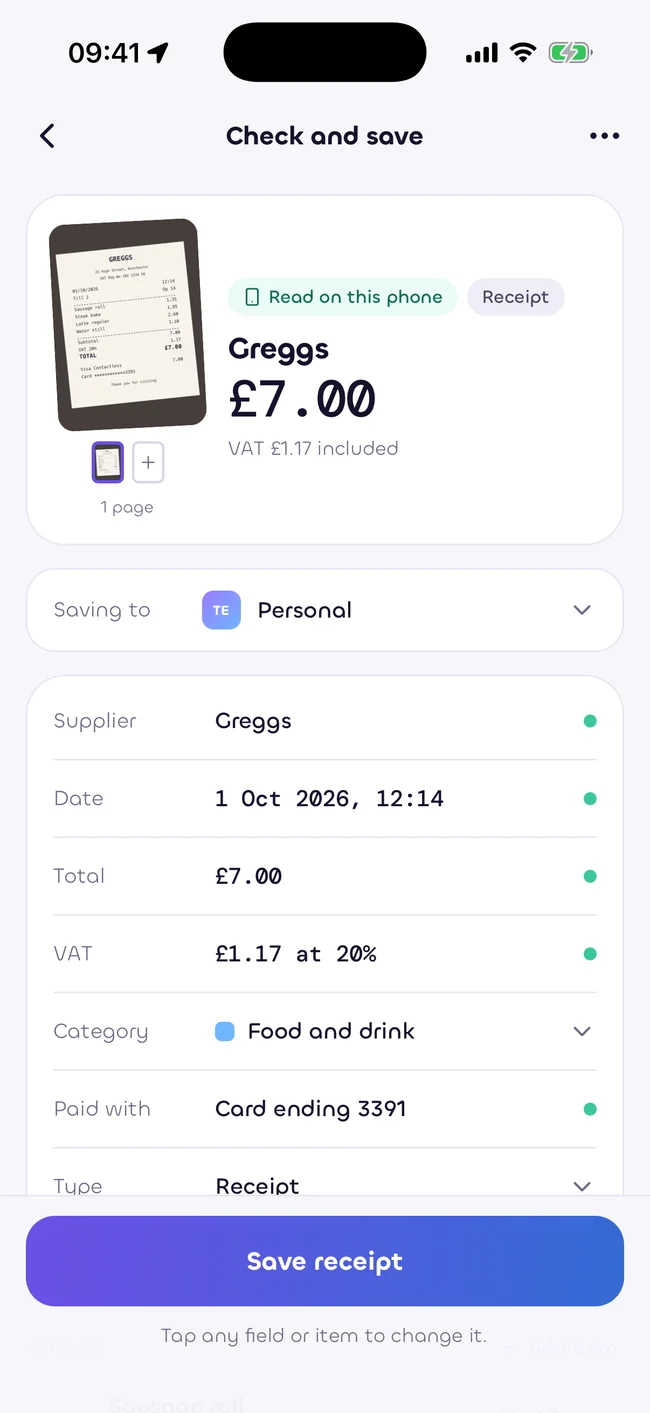
The phone reads the supplier, date, items and total. Anything uncertain asks for a look.
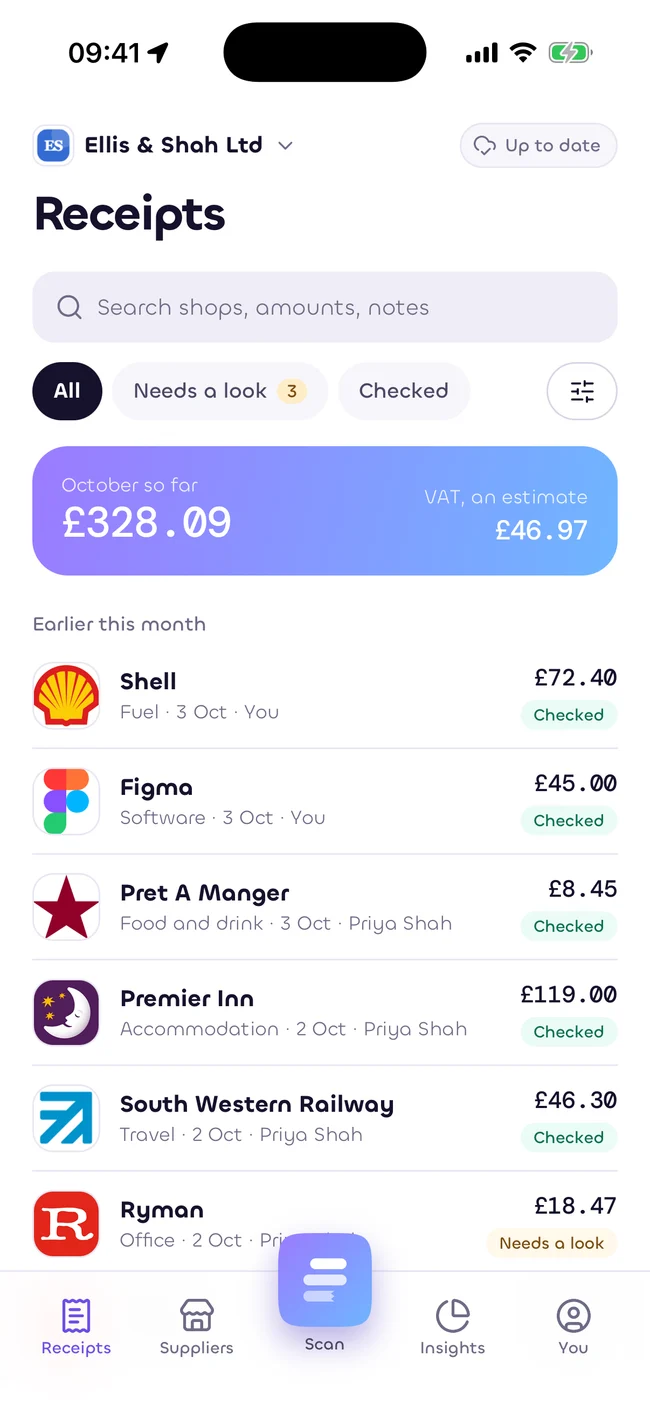
Save it with its category. Find it again by supplier, date or amount.
No signal? No problem. Reading runs on your phone, without sending a receipt to a server to understand it.
Your free personal workspace stays yours. Add a team or a practice beside it.
The expense claim. The warranty. Your own receipts, in one place.
Take a closer lookTeamA shared workspace, clear roles and a route from receipt to approval.
Take a closer lookPracticeClient links that you control, with review and exports in one workspace.
Take a closer lookSupplier, date, items, discounts and total. Check any field the phone is unsure about.
Keep receipts together by supplier, with names and logos that make the list easier to read.
Explore spending by month, category and supplier. See the savings your receipts record.
Give each team receipt a route to the right person, with a record of the decision.
CSV and PDF exports keep the details and the receipt images together.
Choose what your accountant can see and do. Change or end the link whenever you need.
Find the few that need a look. Check the totals. Hand your accountant a file they can work with.
Explore exportsPersonal is free, always. Team is priced per person. Practice is priced per client. Partners buy at wholesale and set their own prices.
Compare plans£0
Every account keeps a personal workspace. Monthly caps apply. Reaching a limit never deletes a receipt.
Start freeYes. Photograph, read, check and save receipts on your phone with no account and no signal. Sign in later when you want your receipts in a workspace.
Yes. Every account keeps a free personal workspace, with monthly caps. A team or practice sits beside it. See Pricing for the current catalogue or clearly labelled illustrative figures.
Reading happens on your phone by default. Cloud reading is an optional feature that you switch on. It is always visible when it is used.
Only through a client link you approve. You choose what the practice can see and do, and you can change or end the link. The practice never owns your receipts.
The app store listings are not live yet. You can explore the web workspace now, and this site will link to the official listings when they are available.
Estimates only, as at 5 October 2026. Not tax, legal or financial advice. Rules change. Check with your accountant.
Start with your free personal workspace.
Add your team when you need it.