
More than one page
Keep several photos together as one receipt.
Photograph a receipt, check what it says and save it. No account. No signal needed.
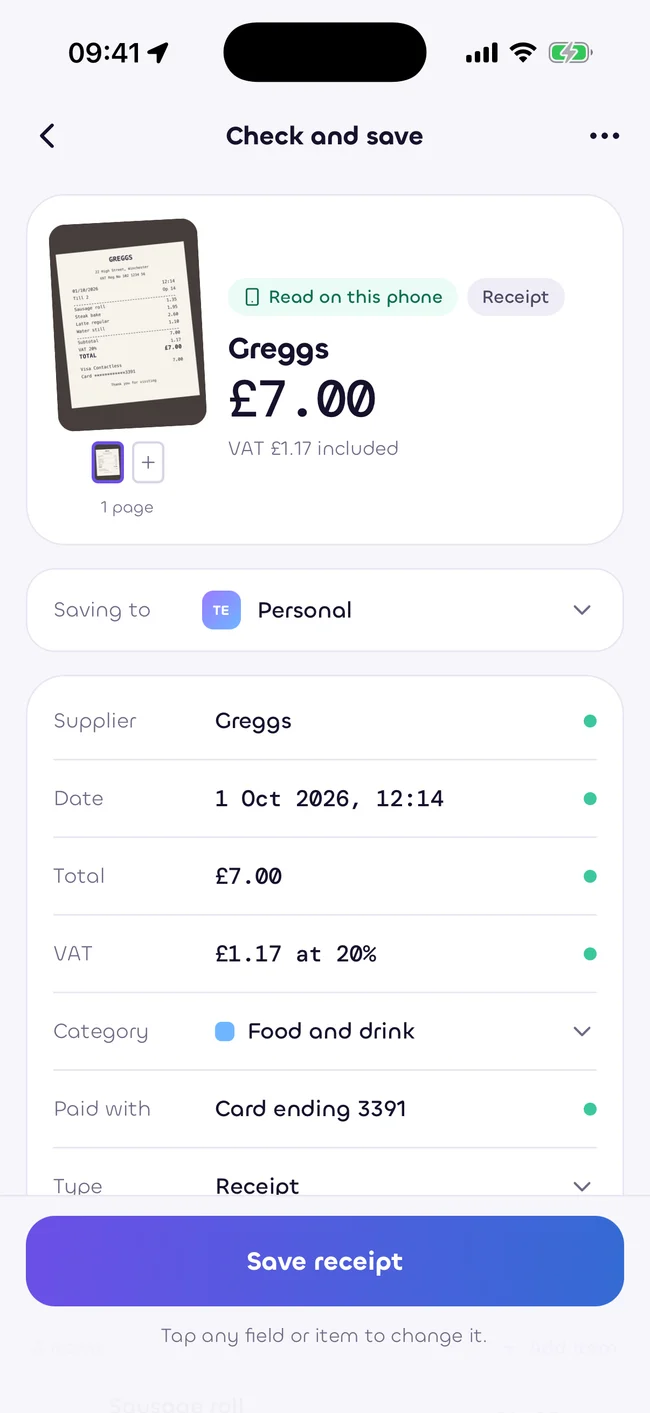
Capture the edges and straighten the page. Add more pages for long receipts, invoices or a card slip beside the itemised bill.
Keep several photos together as one receipt.
Start with the camera or bring in a receipt you already have.
Type the details when you do not have a readable copy.
Reading and saving work offline. Your receipt stays on your phone. Sign in later to bring it into your workspace.
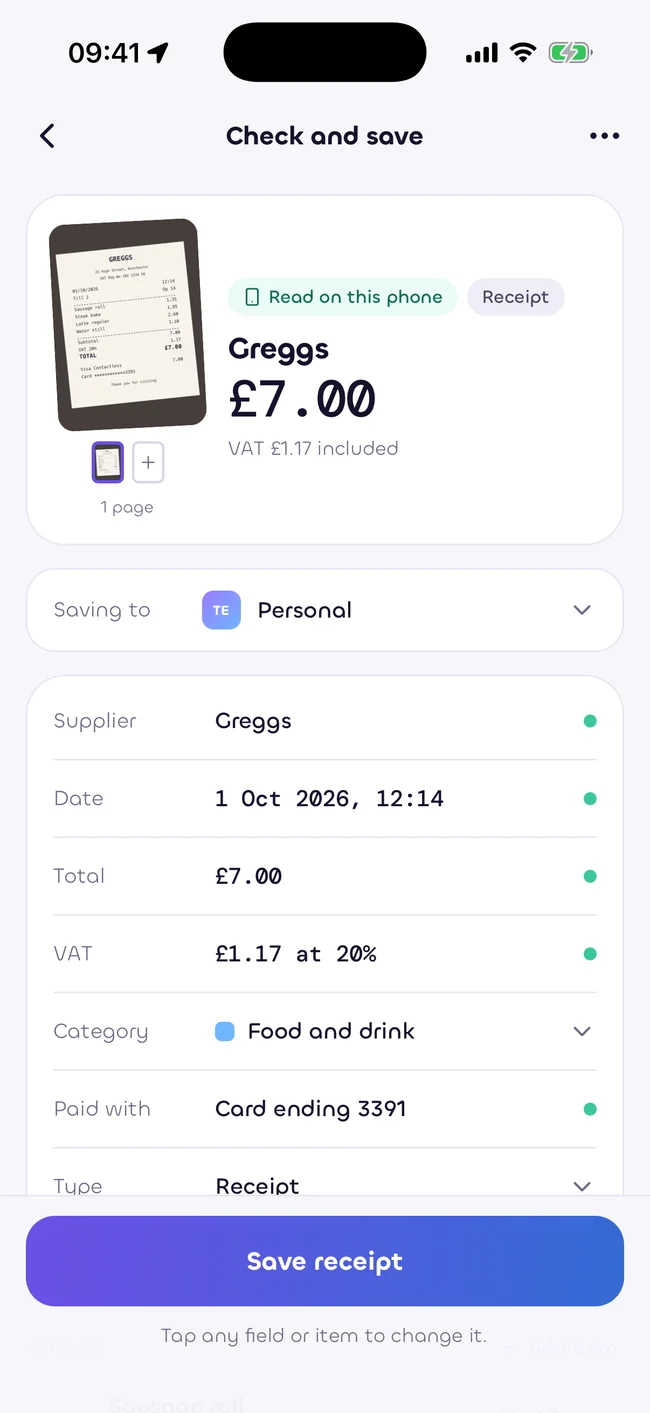
Paper is only one way to make a receipt.
Bring in a photo or PDF and check the details.
Add receipts from your computer to your workspace.
Planned for a later version. Email forwarding is not available yet.
Add a supplier, date and total by hand. You can attach the image afterwards.
A readable photo gives the phone a better starting point.
Smooth out folds so the text sits in one plane.
Avoid shadows, glare and direct reflections.
Include the whole receipt, especially the final total.
Use overlapping photos when a receipt is too long for one shot.
Capture, reading and saving continue on the phone. Sync waits until you have a connection.
Keep the paper until you know which records you need. Ask your accountant about your own circumstances.
Estimates only, as at 5 October 2026. Not tax, legal or financial advice. Rules change. Check with your accountant.
Start with your free personal workspace.
Add your team when you need it.