
Who and when
Supplier, date, receipt reference and currency.
The supplier, date, items, VAT and total become fields you can check. The phone tells you when something needs a look.
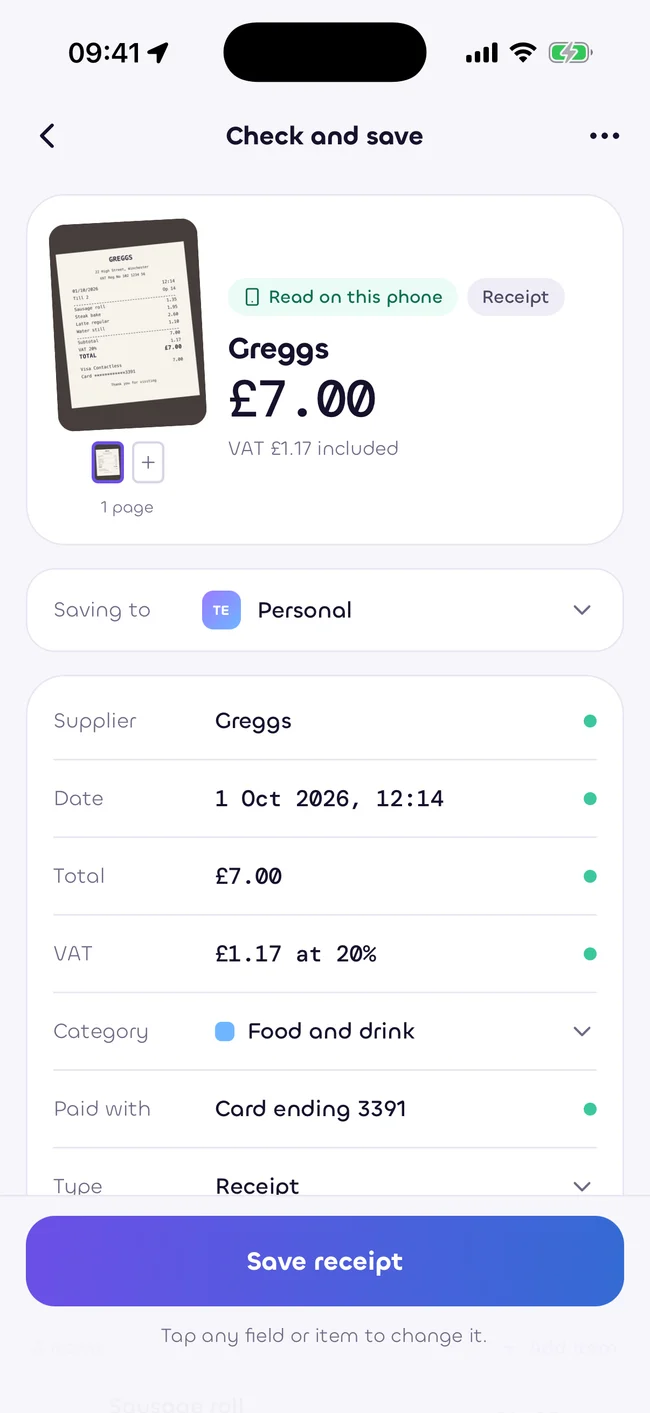
Sukiri reads the receipt as a whole, including what changed the amount you paid.
Supplier, date, receipt reference and currency.
Items, quantities, prices and categories.
Subtotal, total and VAT shown on the receipt. VAT remains an estimate.
Clubcard prices, multibuys and vouchers, alongside delivery, service charges, tips, bags and deposits.
A confident field, a field that needs a look and a field it cannot read are different states. You can correct any field before saving.
The field is read clearly and fits the receipt.
The text is uncertain or the figures do not agree.
Add the value yourself. Sukiri does not quietly invent one.
You decide how a receipt becomes data.
Enter the fields yourself and attach a copy if you have one.
The default. Reading works offline and does not send the receipt to a server to understand it.
Optional and visible when used. Cloud reading is planned for a later release, with an allowance shown in your plan.
Faded ink, creases, foreign currencies, handwritten notes and long receipts can make reading less certain. Check the supplier, date, totals and any VAT estimate against the image.
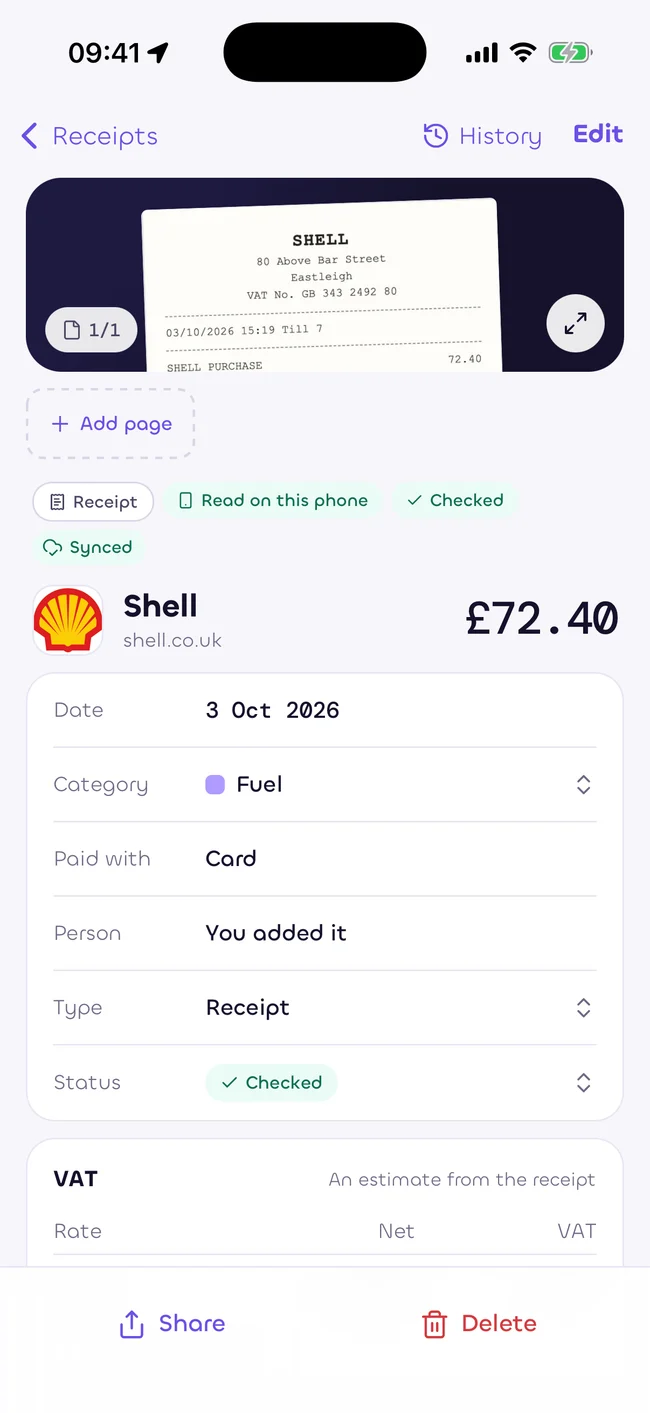
No. Reading is a starting point. Confidence labels and sum checks tell you which fields to check.
Your receipt corrections stay in your workspace. Shared supplier facts are kept separate from your spending.
Estimates only, as at 5 October 2026. Not tax, legal or financial advice. Rules change. Check with your accountant.
Start with your free personal workspace.
Add your team when you need it.